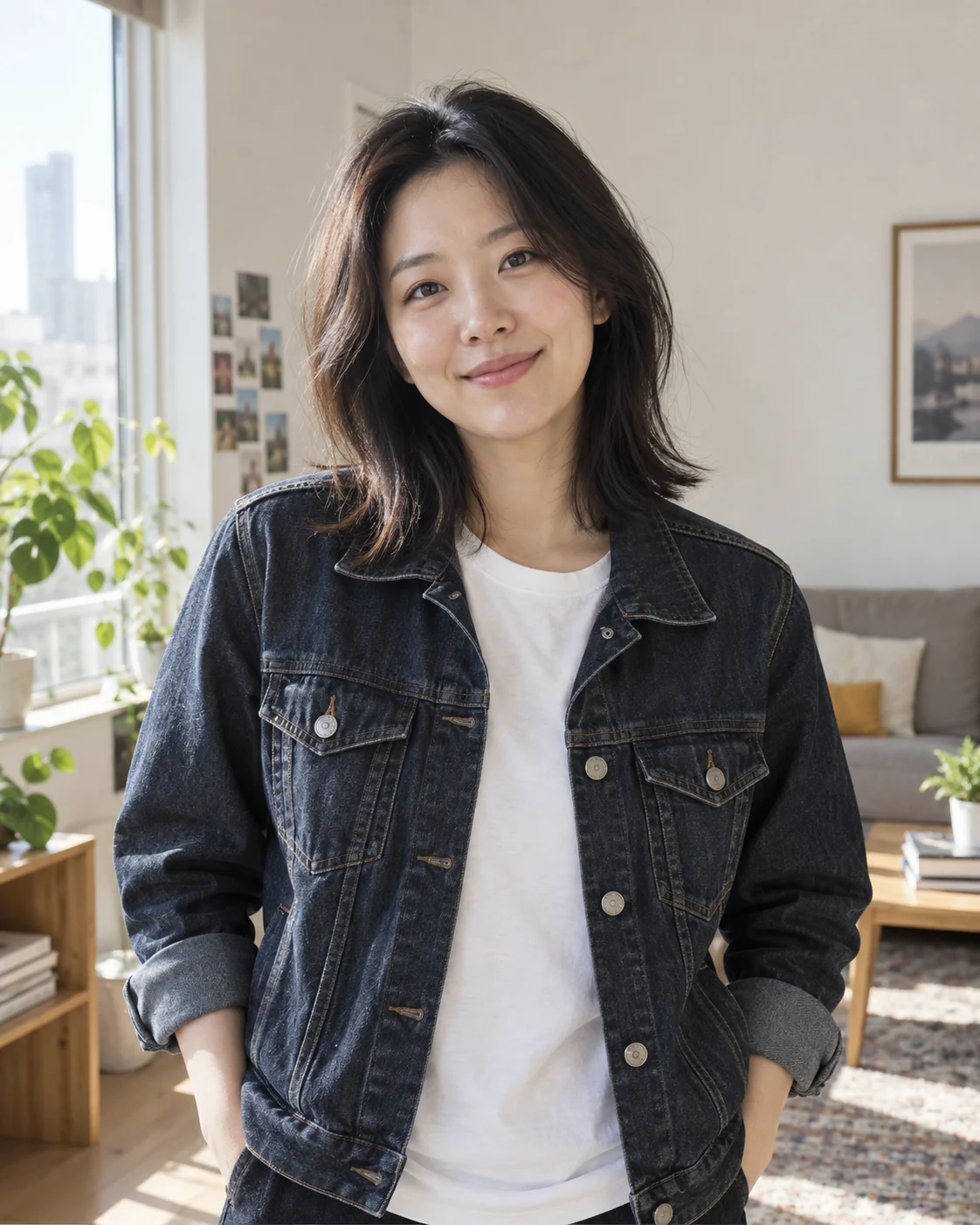
 Input 1
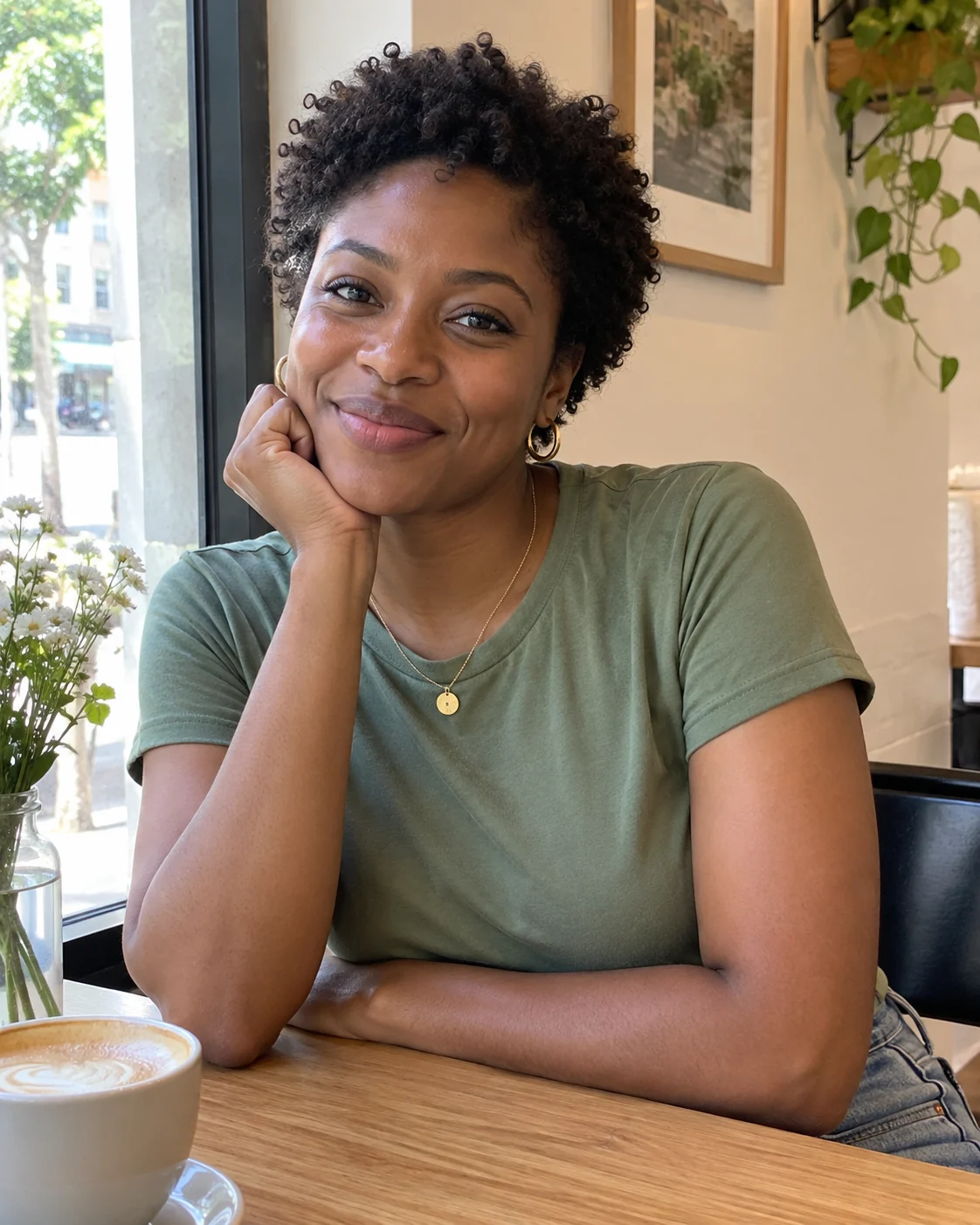 Input 2
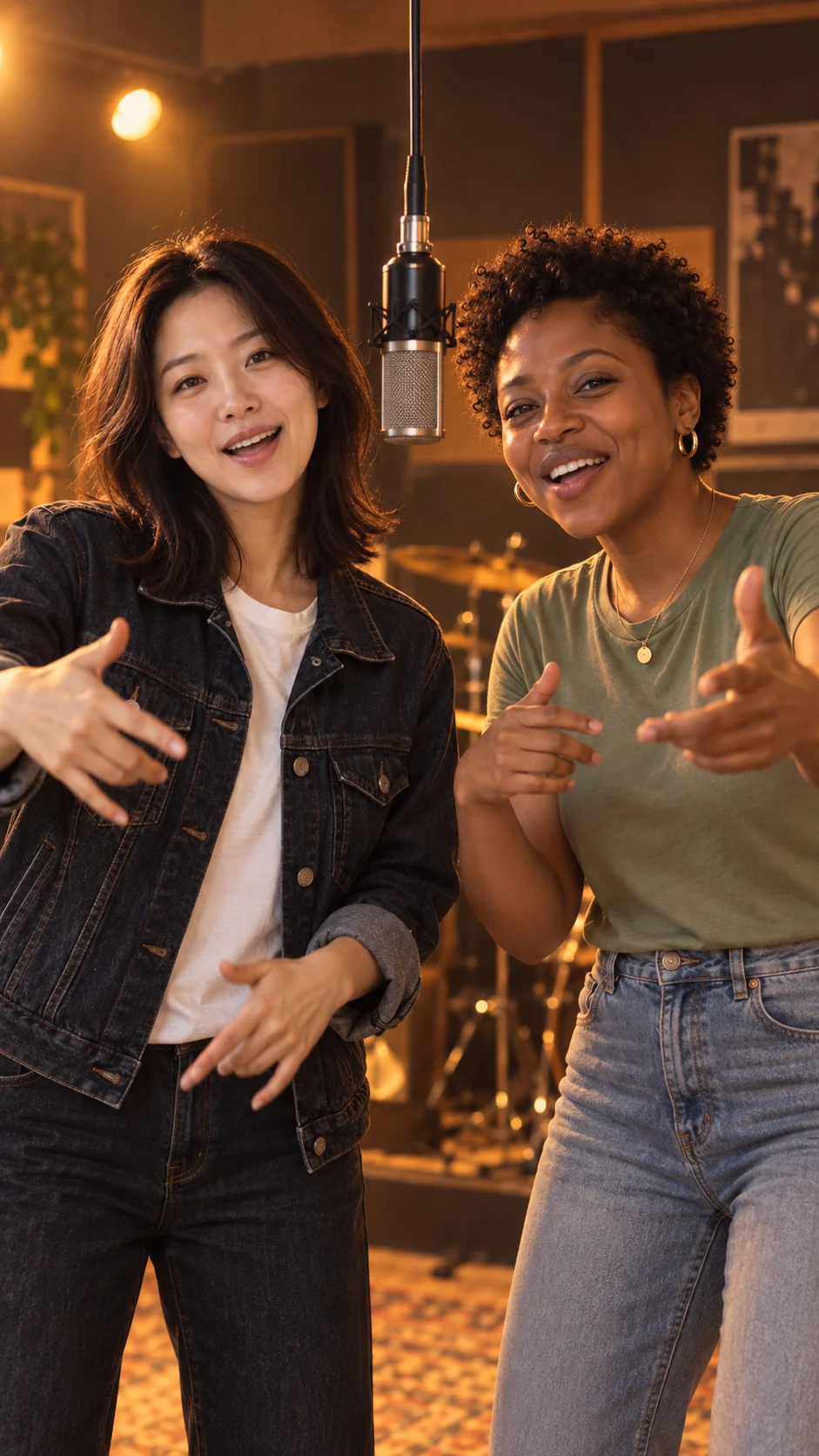 Scene concept 1
Best Friends Rap Duo
From everyday selfies to sharing the mic. Picture two friends bouncing to the beat and answering each other with a gesture.
Upload one photo of each person. Rap Duo AI puts both people in the same orange studio, creates a back-and-forth rap performance, and generates a vertical video with original AI audio.
Two-photo generator
Choose one photo of yourself and one of your partner. You do not need a picture together.
Use one person per photo, with a clear face, good lighting, and no face coverings.
Rap Duo Preview
9:16 · 10 sec · 720P · Original AI audio
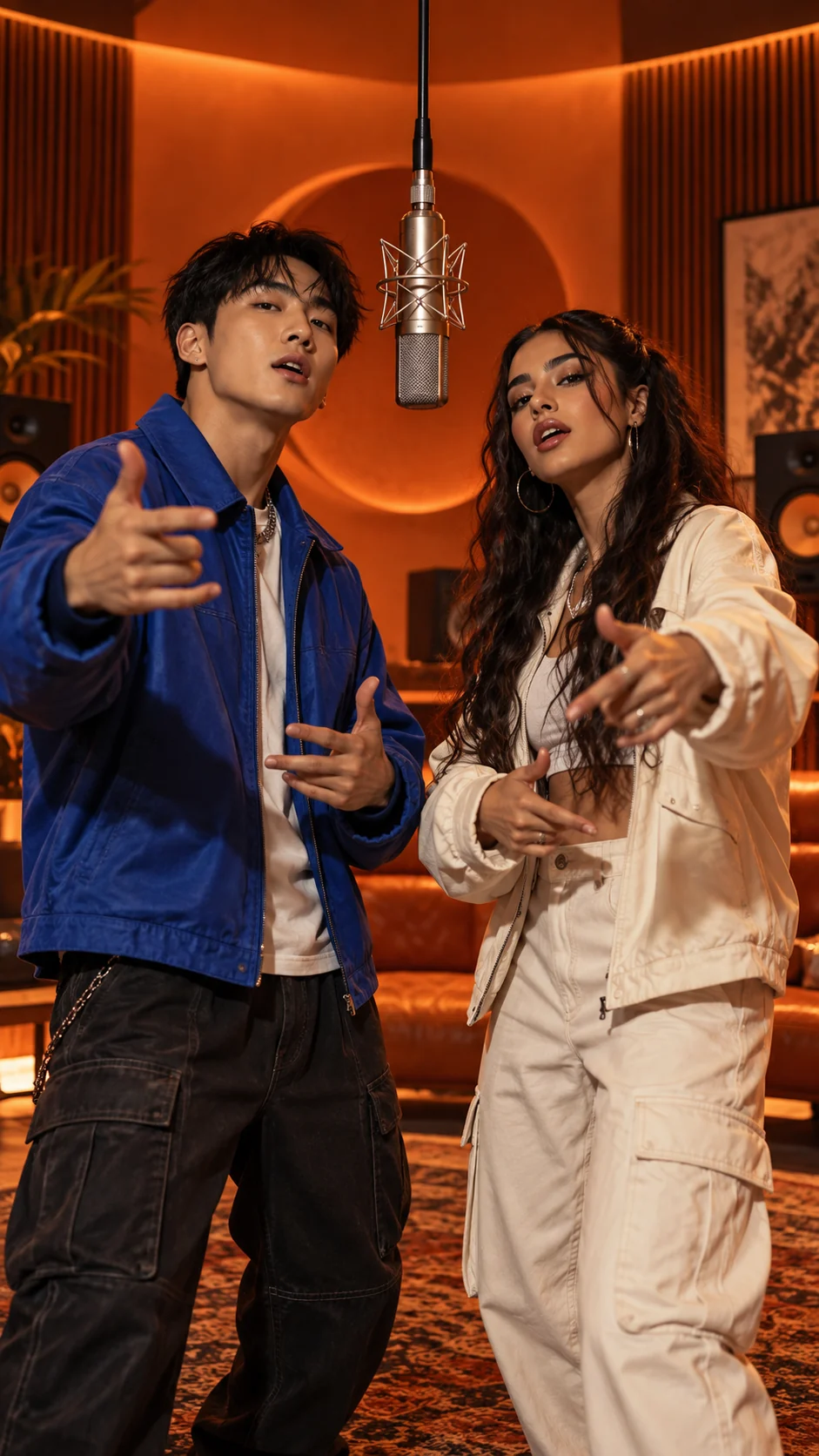
See how two ordinary portraits can become one shared rap duo video. Pick a pair your friends will recognize, then imagine them stepping into the same orange studio together.
Input 1Input 2Scene concept 1From everyday selfies to sharing the mic. Picture two friends bouncing to the beat and answering each other with a gesture.
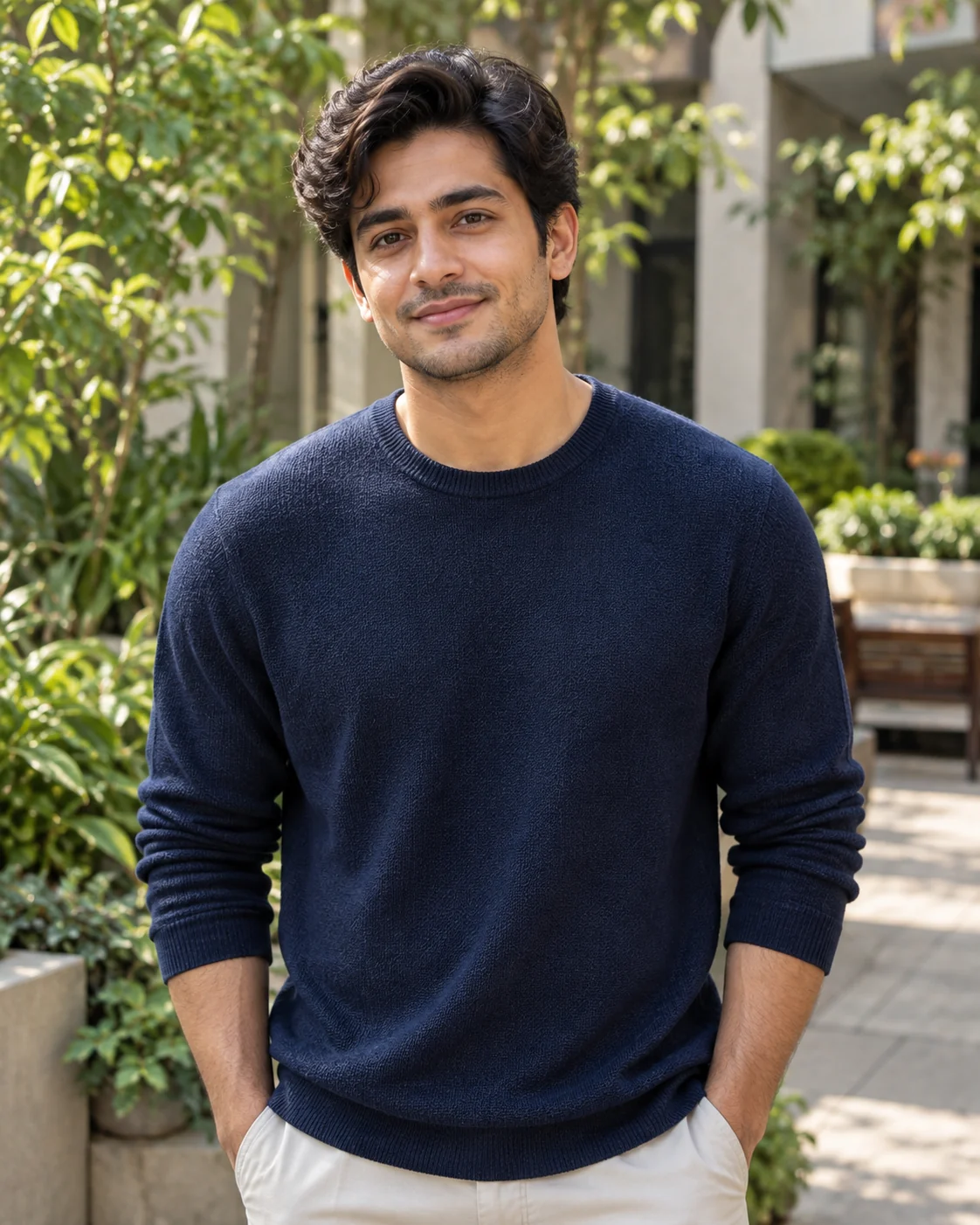 Input 1
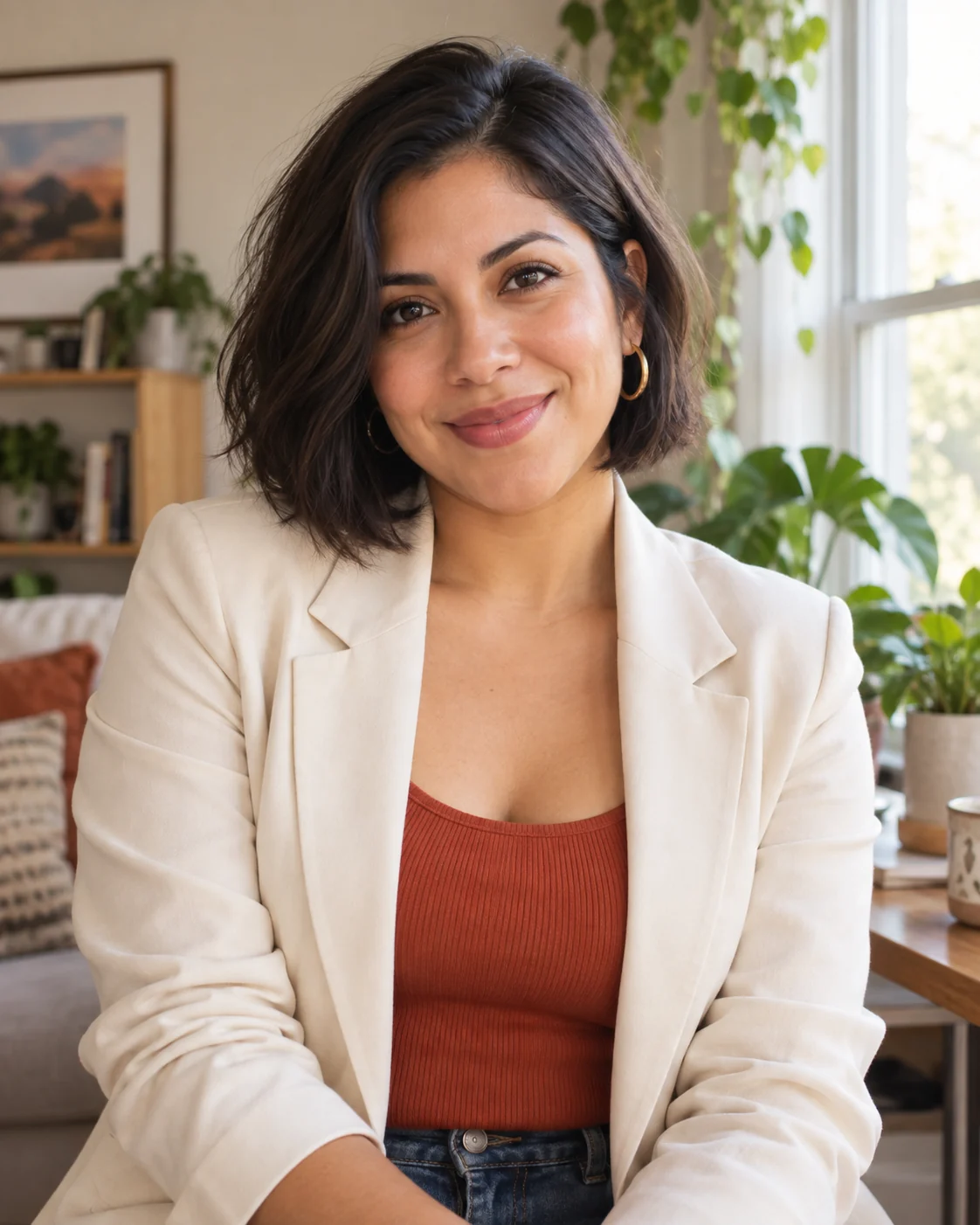 Input 2
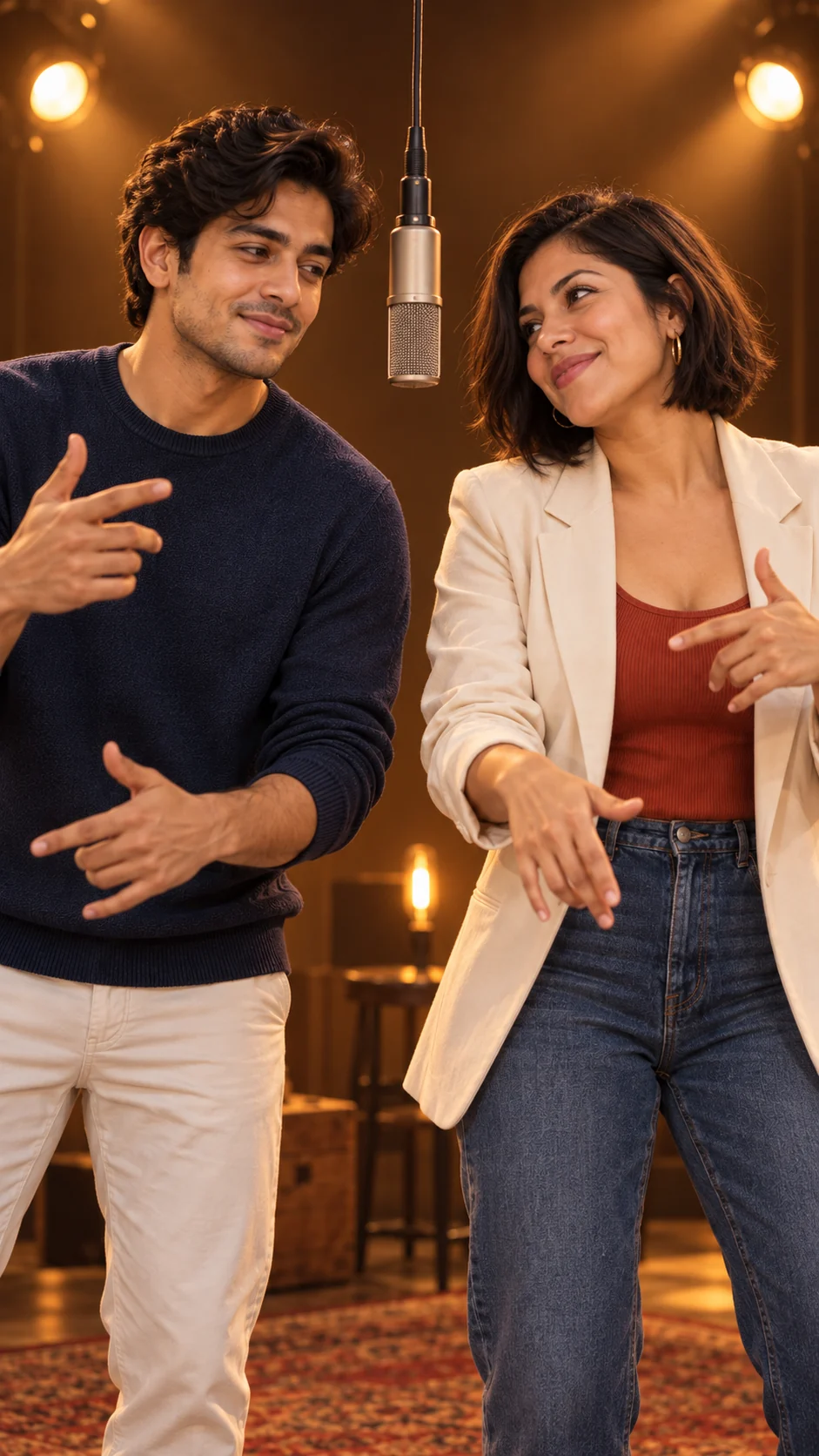 Scene concept 2
Give your favorite pairing a new stage. Imagine both of you side by side in warm studio light, taking turns on the mic.
 Input 1
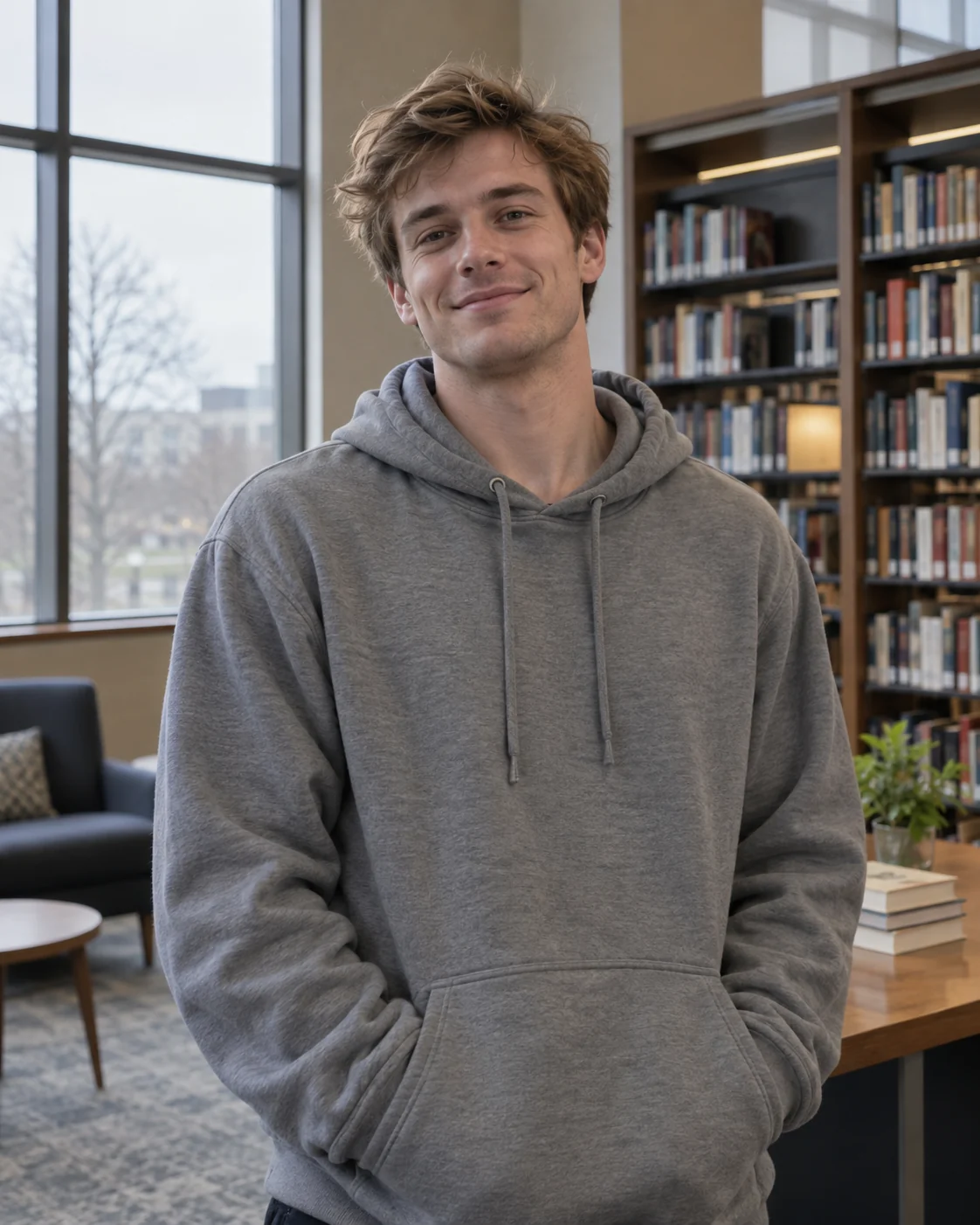 Input 2
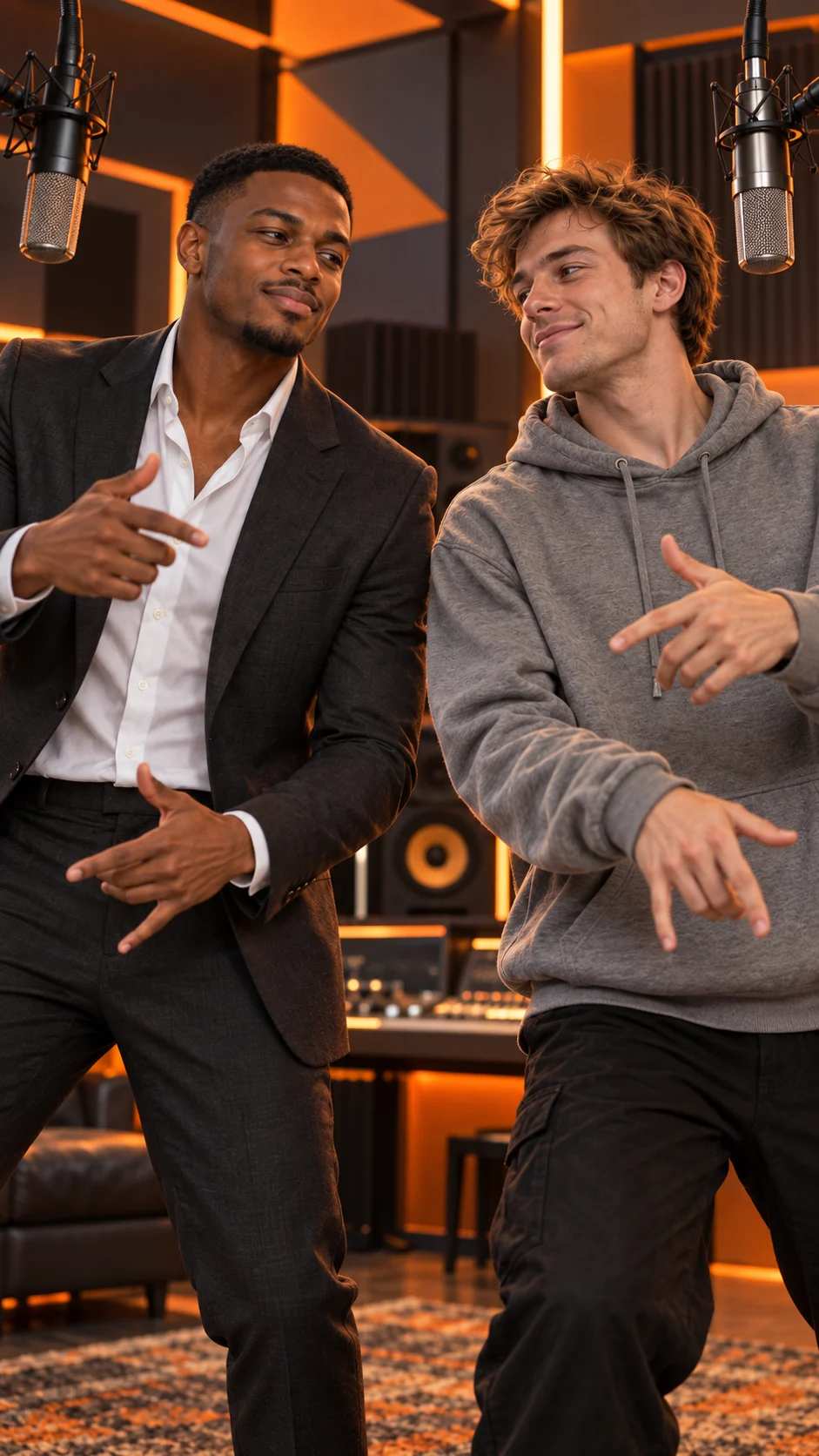 Scene concept 3
A sharp suit next to a laid-back hoodie. Pair two contrasting looks and picture them performing together in the same orange studio.
Rap Duo AI is an AI video generator that turns two separate portraits into a short video of both people rapping together. The AI creates the shared studio, movements, and audio from your photos, so you can make a duo even when you are in different places.
This AI rap duo generator already has the scene and performance direction set for you: a warm orange studio, a suspended microphone, and two performers trading lines. Choose the people, and the generator handles the performance without a script or a video editor.
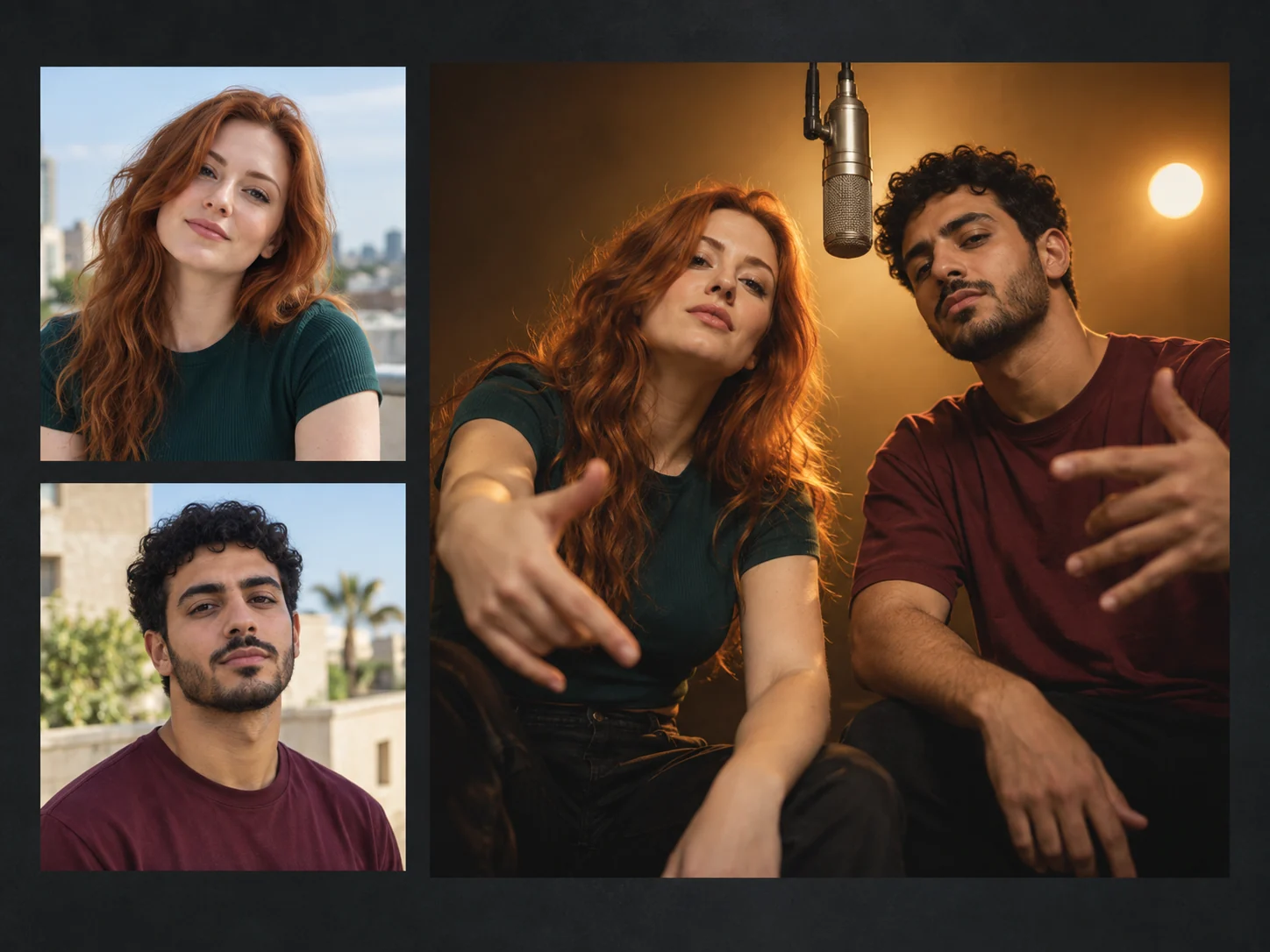
Pick your partner, add your photos, and start creating. The stage and performance direction are already set, so you can go from two portraits to a finished rap duo video without learning a general-purpose AI video editor.
Add one portrait per person. Choose photos with visible faces and good lighting. They can have different backgrounds and be taken at different times.
Select Create Rap Duo Video after adding both photos. Keep the page open while the generator checks availability and prepares your performance.
Play the finished video, then download the MP4. Send it to your partner or share it on TikTok, Instagram Reels, YouTube Shorts, or your group chat.
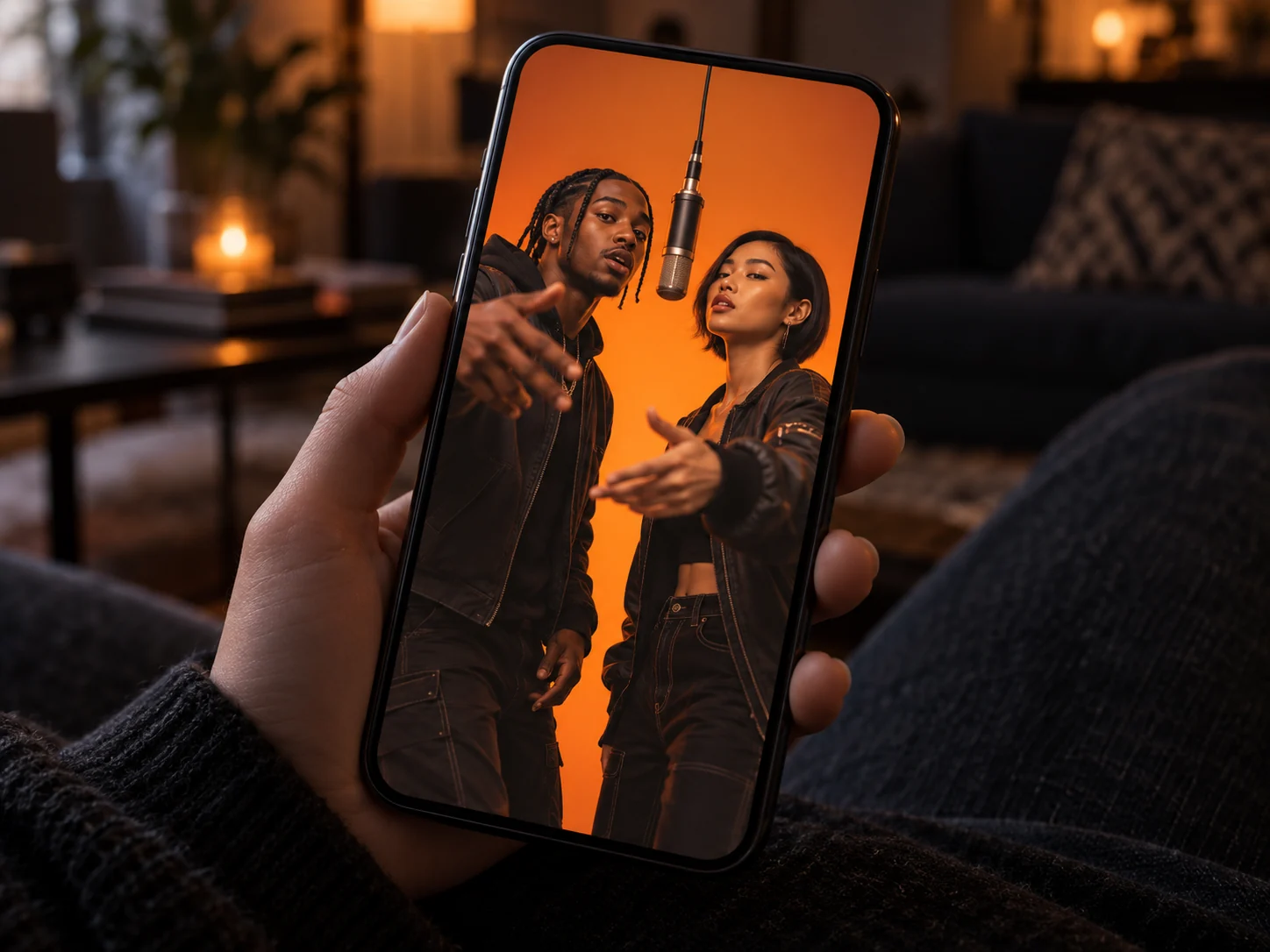
The fun of the AI rap duo trend is seeing familiar people do something unexpected. Your quiet friend takes the mic. You and your partner become a rap act. Change the pair, and the video instantly gets a different story.
Two performers sharing the frame make the joke easy to follow. A glance, a rhythmic gesture, and a turn on the mic give the pair something to do together, even in a short clip.
Choose a duo your friends will recognize and add your own caption when you share it. An inside joke or a simple “our debut single” can turn the clip into a conversation in your group chat.
A bold orange backdrop, suspended microphones, and two rappers trading lines make the Hotel Lobby AI trend instantly recognizable. The format draws on Quavo and Takeoff’s Hotel Lobby performance for A COLORS SHOW and is also searched as the Migos AI trend.
Rap Duo AI brings your chosen pair into an orange studio with newly generated movement and original AI audio. You get a new performance rather than a face swap into the original recording.
Rap Duo AI is an independent tool with no official affiliation with Migos, Quavo, Takeoff, or COLORS. It does not use the original Hotel Lobby track or clone the artists’ voices.
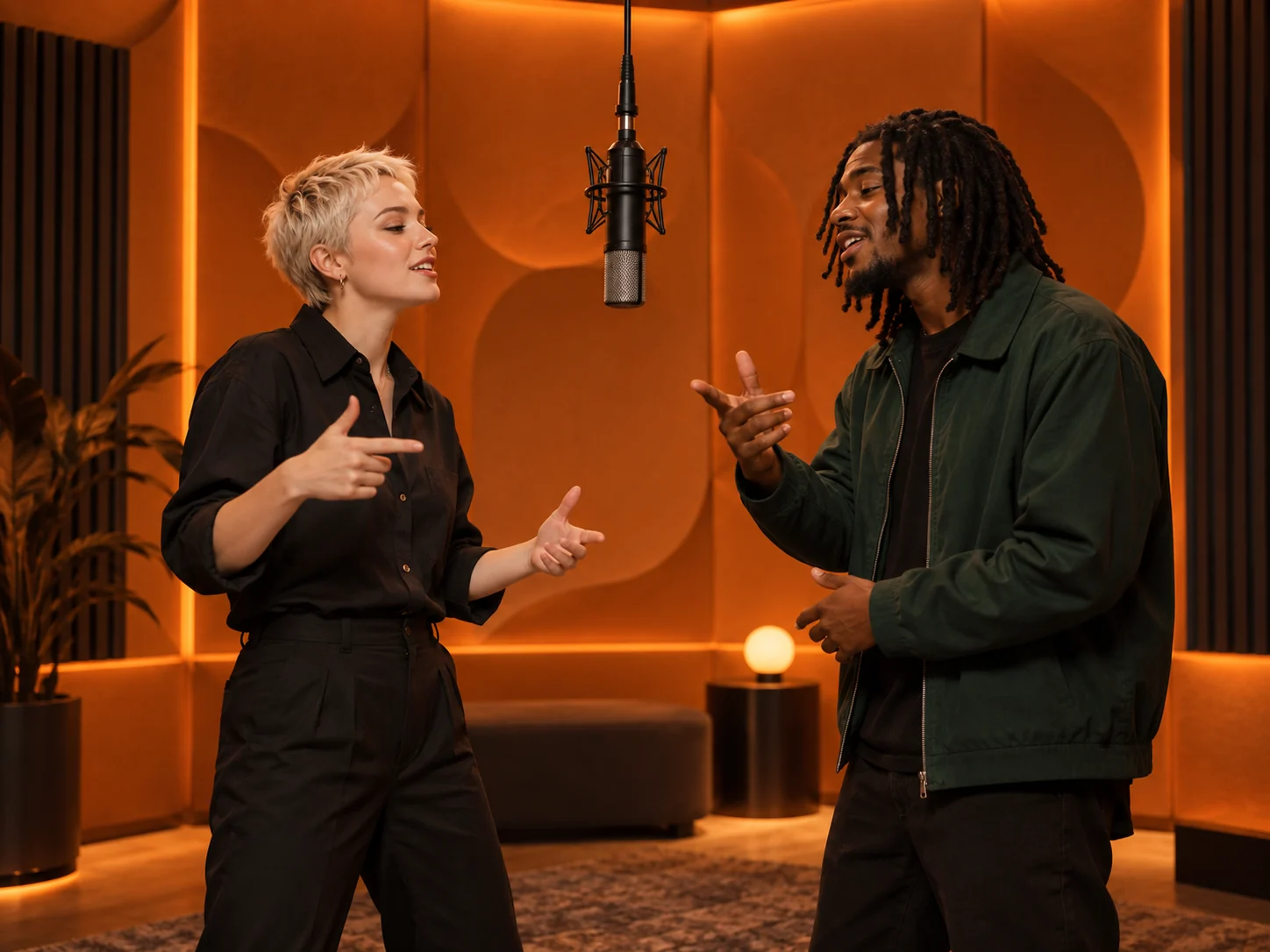
An inside joke, a birthday, or a message across the miles can give the video its story. Choose the occasion, then choose the person you want beside you.
Send your friend an unexpected rap debut in the group chat. Pick the person who knows every one of your jokes and let them see you both on stage.
Create a playful anniversary post or send a surprise to a partner far away. Separate photos are enough to put you together in the same performance.
Pair the birthday person with a friend or sibling for a video greeting. Add your birthday message when you share the finished clip.
Choose two friends nobody would expect to form a rap duo. Share the clip and ask the group to come up with your stage name.
A better source photo gives the AI rap duo video more identity detail to work with. Use this checklist before uploading your pair.
Choose two individual portraits. Crop other people out of the frame so each upload shows only the person you want in the video.
Use a front-facing portrait or a slight turn. Keep the full face visible and large enough to see the eyes, nose, and mouth clearly.
Choose even lighting and remove sunglasses or masks. Skip blurry photos, deep shadows, and heavy beauty filters.
Check both faces as they turn and move, along with the gestures and audio. Each generation is different, so review the full performance before sharing.
Answers about the AI rap duo generator, free credits, photo uploads, the Hotel Lobby AI trend, audio, and your finished video.
Rap Duo AI is an online AI video generator that turns two portraits into a shared rap performance. It creates an orange studio scene with both people, movement, and original AI audio.
The AI rap duo generator uses one portrait for each performer, then creates a new shared scene around them. It generates the studio, movement, framing, and rap-style performance instead of simply stitching the two source photos together.
New accounts receive free signup credits. Video generation uses credits, and additional credits are available on the pricing page. The free offer is a signup credit allowance, not unlimited video generation.
No. The generator already includes the studio setting and performance direction. Upload your two photos and start creating. The AI generates the rap audio with the video.
Yes. Upload one photo per person in the two upload boxes. The photos do not need matching backgrounds, outfits, or lighting, and you do not need to be in the same place.
Use JPG, PNG, or WebP images, up to 10 MB each. Choose a clear portrait with one visible face. Avoid group shots, blurred faces, and face coverings.
The AI rap duo trend is a short-video format that puts a chosen pair into a shared rap performance. Friends, couples, and unexpected pairings take turns on the mic, making the familiar faces part of the fun.
No. Rap Duo AI uses an orange studio look inspired by the Hotel Lobby AI trend, but it generates a new video and original AI audio rather than inserting your faces into the original performance or using the Hotel Lobby recording.
The name refers to AI videos inspired by Quavo and Takeoff’s Hotel Lobby performance for A COLORS SHOW. Rap Duo AI is an independent tool and is not affiliated with the artists or COLORS.
The generator is set to create a 10-second, 720P vertical video in 9:16 format with AI audio. When your video is complete, preview it on the page and use Download MP4 to save it.
Pick your partner and bring your duo to the orange studio. Two photos are all you need to start.
Create My Rap Duo